Keep your nerdy thoughts
organised.
Zero-friction note system meets productivity suite. Capture thoughts instantly with global shortcuts, write executable code in Jupyter-style notebooks, link notes like Obsidian, and manage your calendar with AI. No streaks, no guilt, no nagging. Your data stays local with optional OneDrive sync, and there are absolutely no subscriptions to worry about.

Made possible by contributors
Thank you to everyone who has contributed to ThoughtsPlus!
Everything you need to get things done.
A comprehensive suite of tools designed to capture every thought and track every event.
Nerdbooks
Jupyter-style notebooks with Obsidian-like linking. Write, link, and execute Python code in one place.
Quick Capture
Global hotkey (Ctrl+Shift+N) to capture thoughts instantly without opening the app. Zero friction.
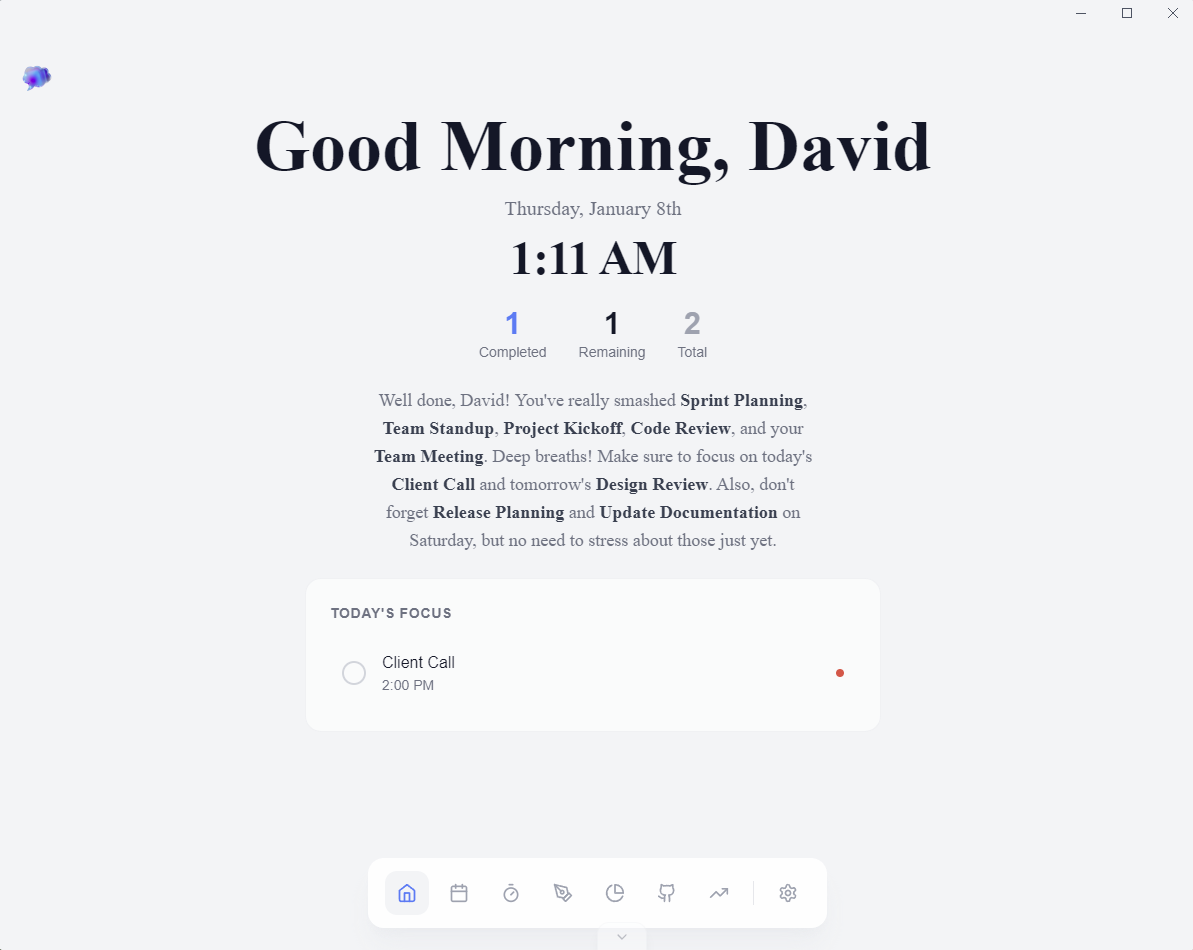
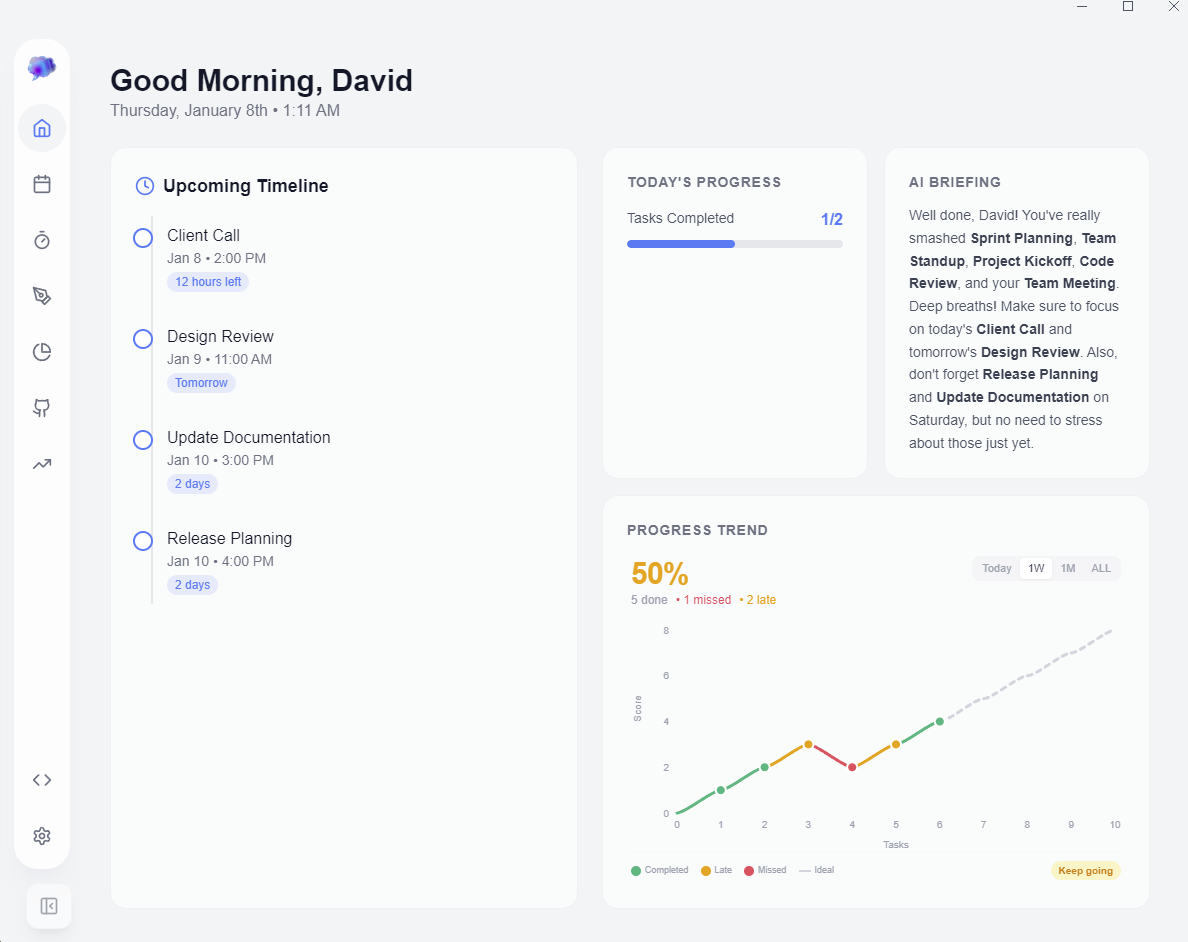
Refined Dashboard
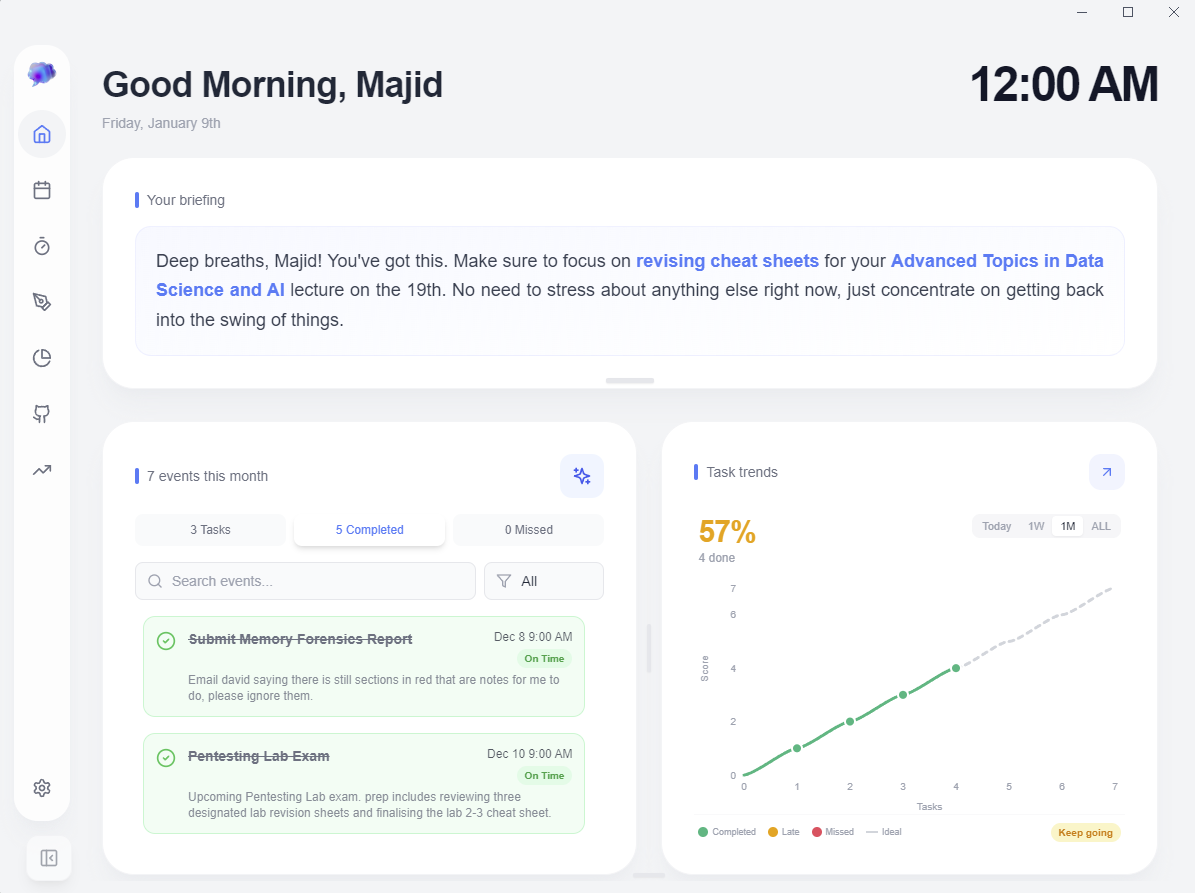
Your command centre. Bird's eye view of your week, task trends, AI briefings, and GitHub activity.
Linked Notes Graph
Interactive force-directed graph showing connections between notes. Pan, zoom, and filter by type.
Smart Calendar
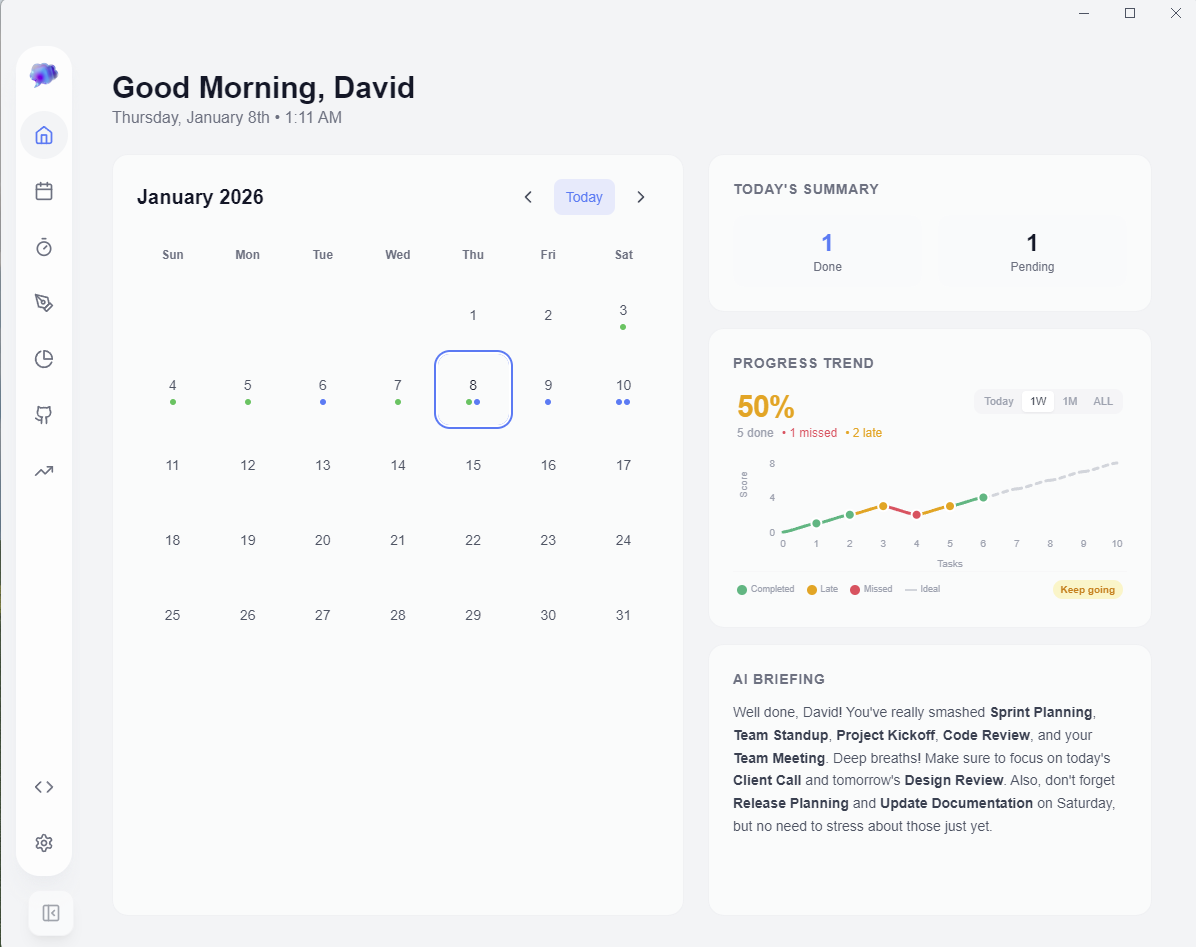
Recurring events, late and missed tracking, and AI quick add with natural language.
Visual Boards
Freeform canvas with sticky notes, drawings, and diagrams. Now a note structure type.
AI Structure Generation
AI creates note backbones with headings and sections. You focus on the content.
Task Analytics
Interactive charts showing completion rates, trends, and event categories.
Deep Customisation
Toggle features, change themes, set custom API keys. Configure it your way.

Nerdbooks
Jupyter-style notebooks with executable code cells and Obsidian-like linking.
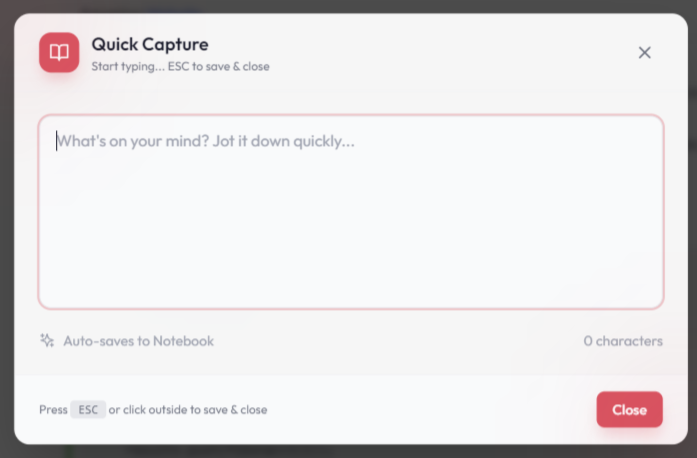
Quick Capture
Global shortcut (Ctrl+Shift+N) to capture thoughts instantly.
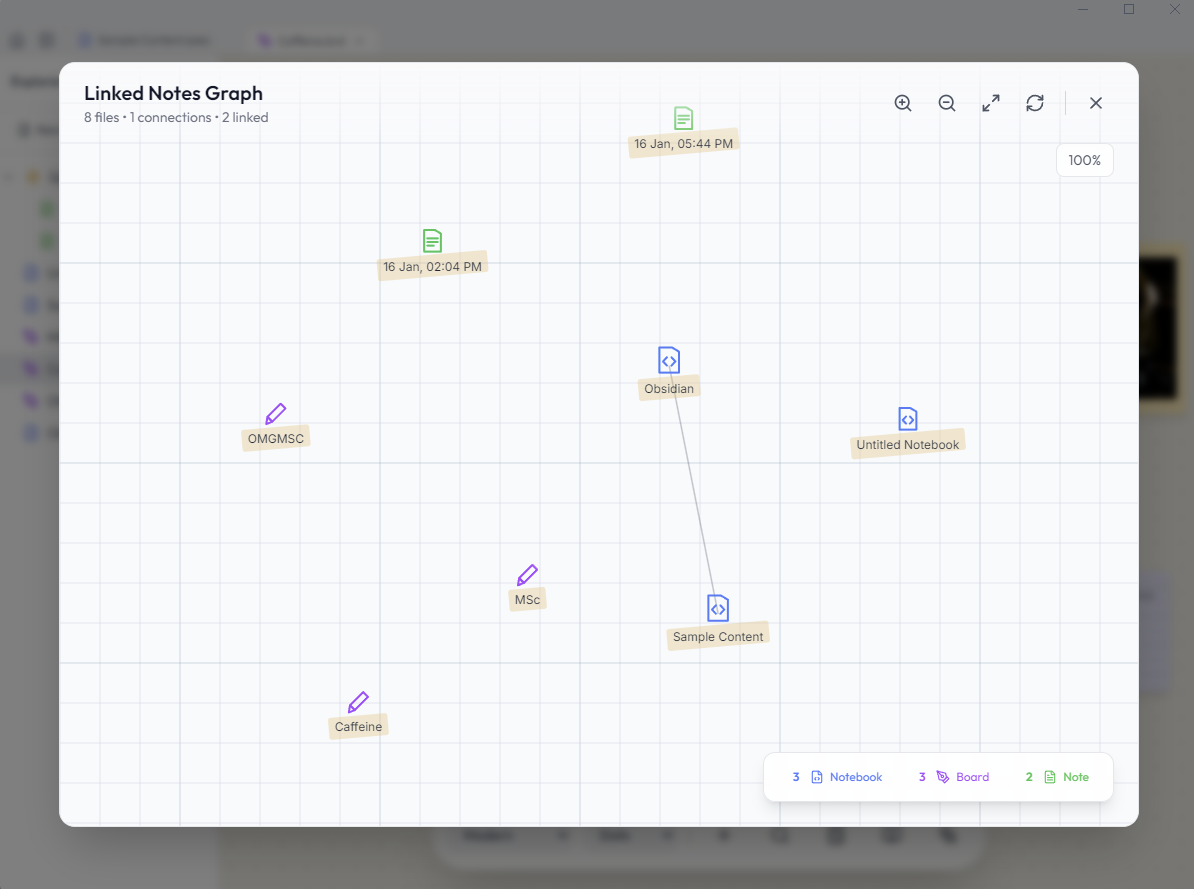
Linked Notes Graph
Interactive force-directed graph showing note connections.
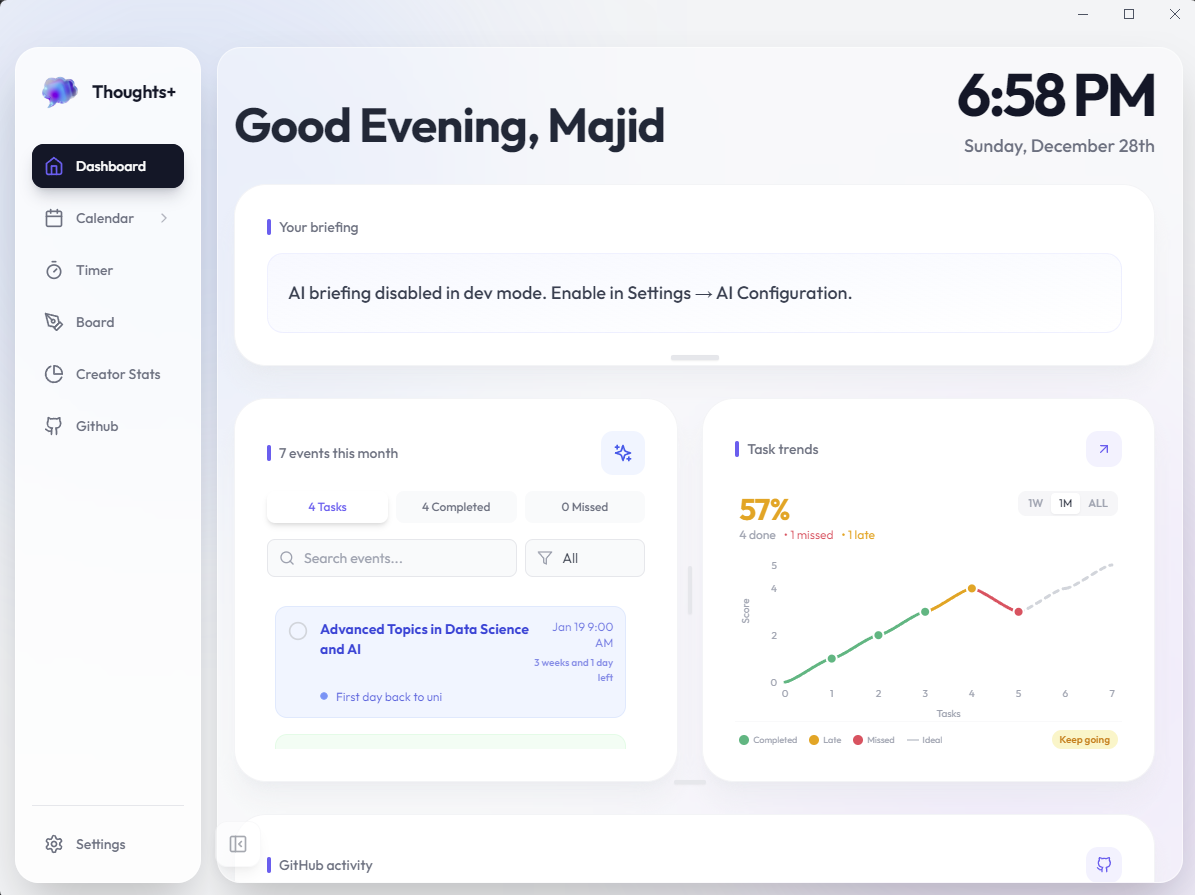
Refined Dashboard
Your command centre with AI briefings, task trends, and GitHub activity.
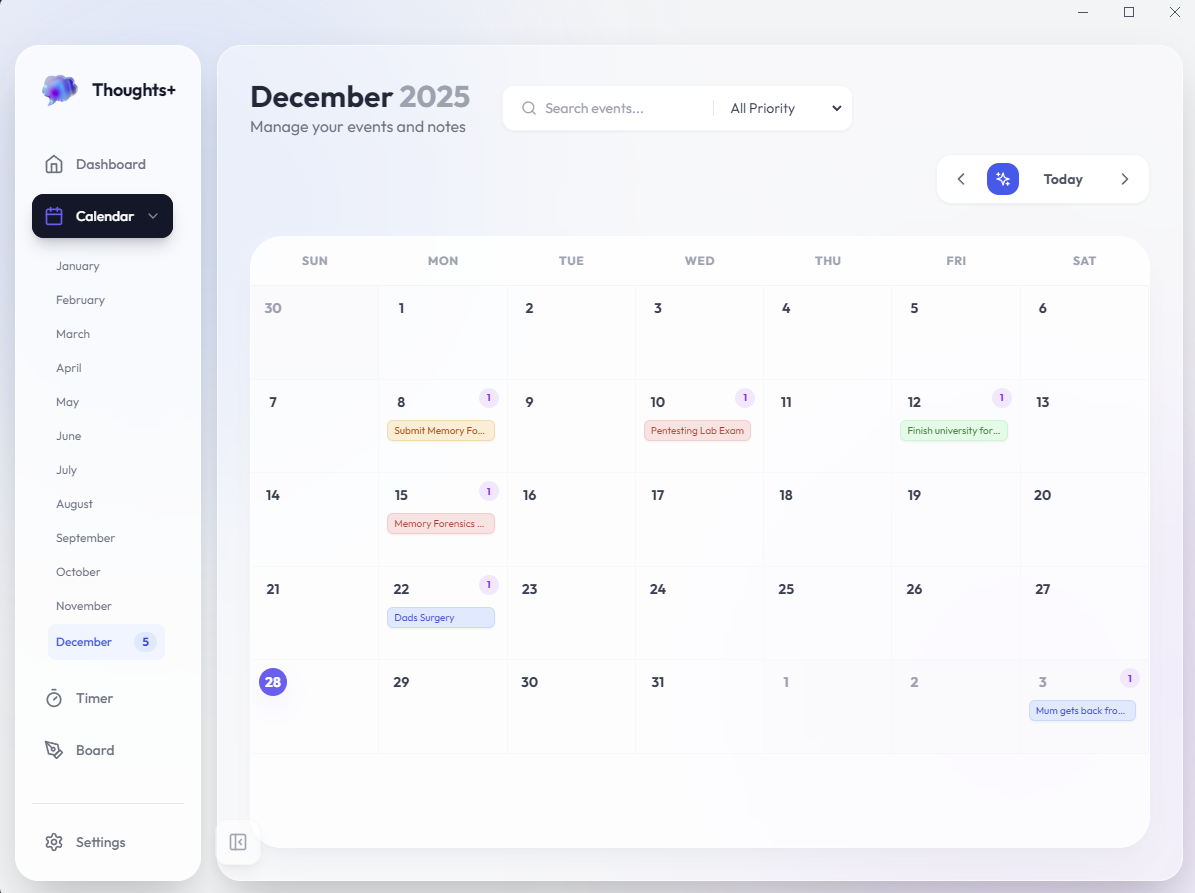
Interactive Calendar
Recurring events, late tracking, and AI powered quick add.

Focus Timer
Microwave style input with session history.
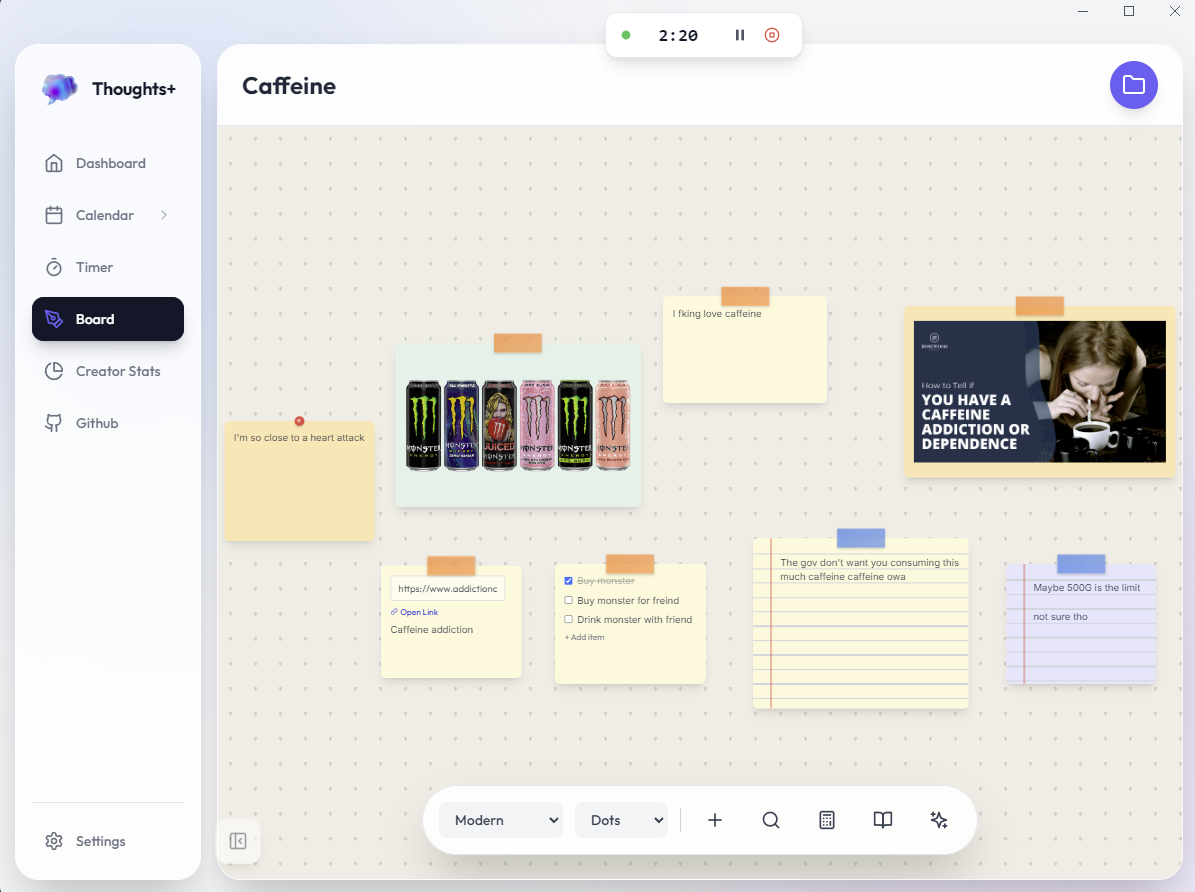
Visual Boards
Freeform canvas with sticky notes and drawing tools.
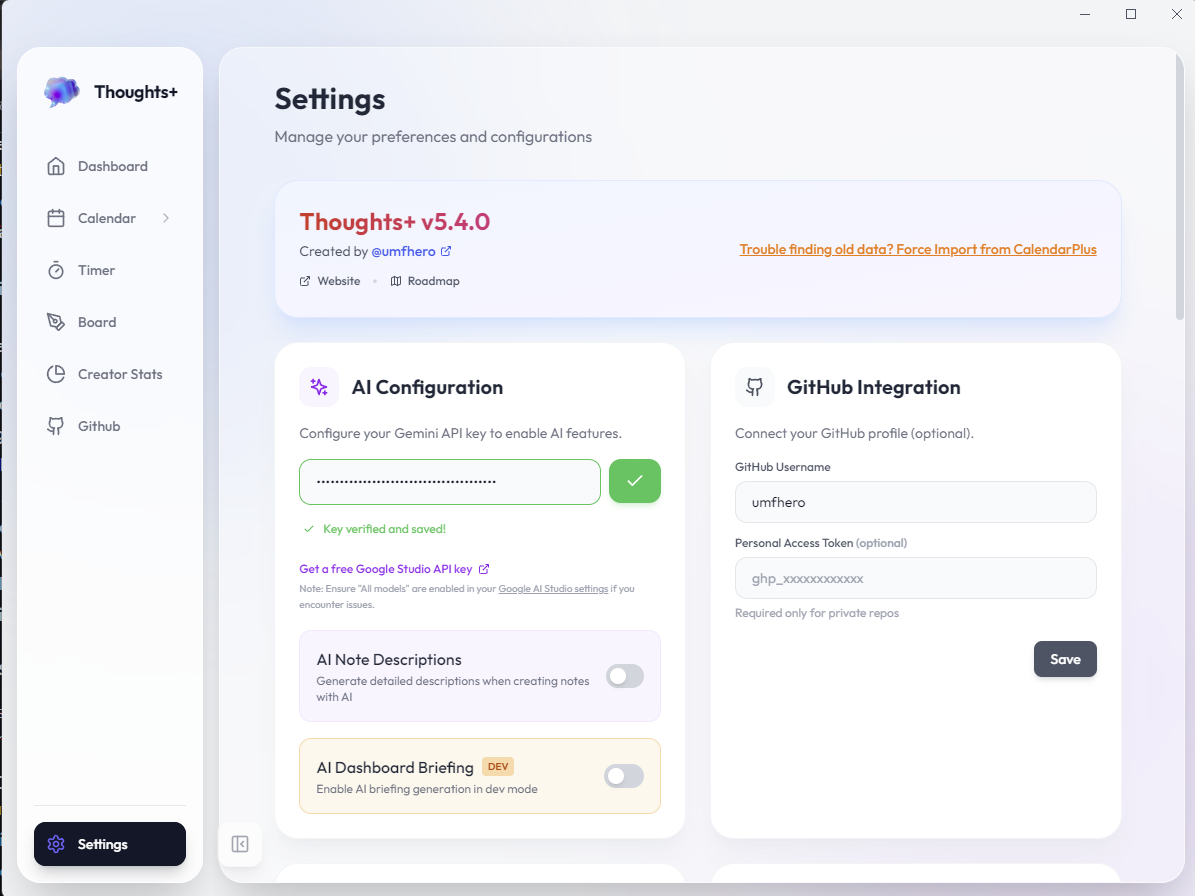
Smart Settings
API keys, keyboard shortcuts, and comprehensive configuration.
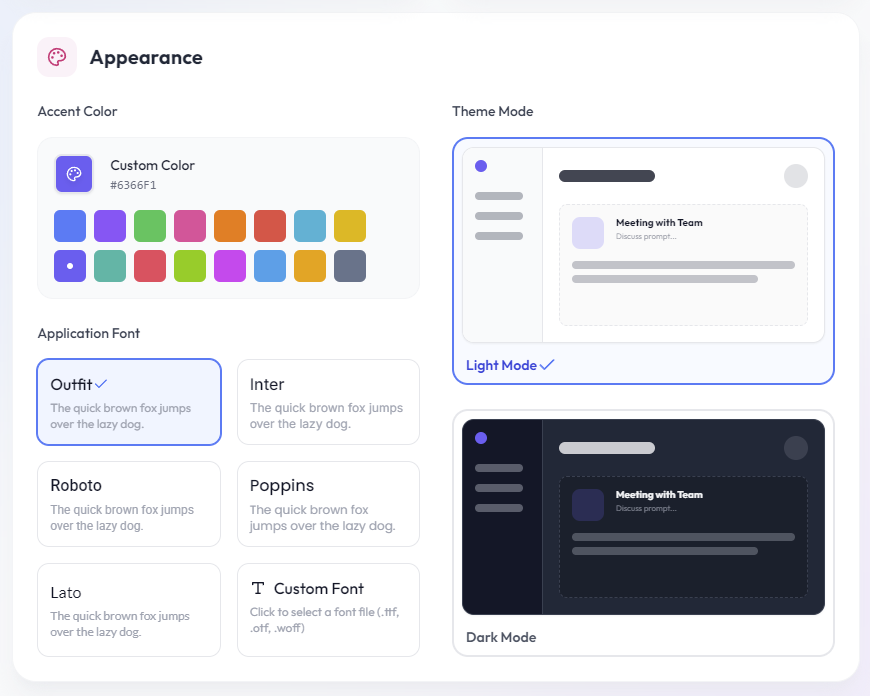
Appearance
Custom fonts, accent colours, and advanced theming.
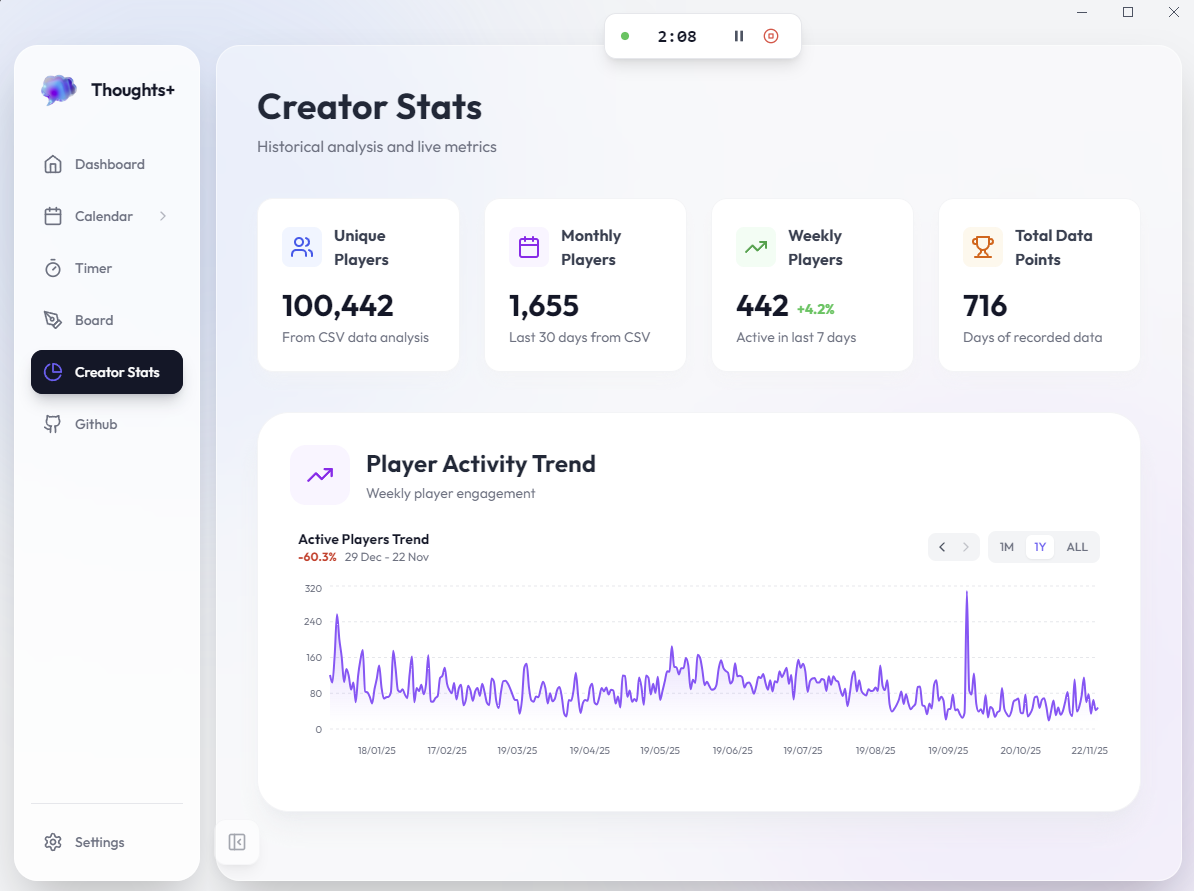
Task Analytics
Interactive charts showing completion rates and trends.
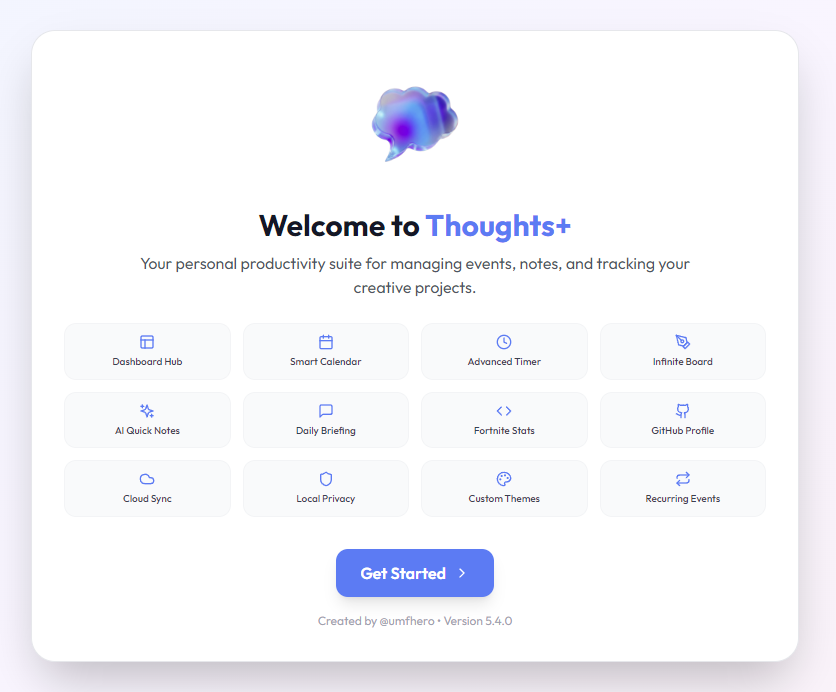
Seamless Onboarding
Get started in seconds with the guided setup wizard.
Nerdbooks
Jupyter-style notebooks with executable code cells and Obsidian-like linking.
Quick Capture
Global shortcut (Ctrl+Shift+N) to capture thoughts instantly.
Linked Notes Graph
Interactive force-directed graph showing note connections.
Refined Dashboard
Your command centre with AI briefings, task trends, and GitHub activity.
Interactive Calendar
Recurring events, late tracking, and AI powered quick add.
Focus Timer
Microwave style input with session history.
Visual Boards
Freeform canvas with sticky notes and drawing tools.
Smart Settings
API keys, keyboard shortcuts, and comprehensive configuration.
Appearance
Custom fonts, accent colours, and advanced theming.
Task Analytics
Interactive charts showing completion rates and trends.
Seamless Onboarding
Get started in seconds with the guided setup wizard.
Nerdbooks: Zero-Friction Note System
Capture thoughts instantly, write and execute code, use advanced markdown without knowing markdown. AI generates structure, you focus on content. Three file types: Boards (.brd), Nerdbooks (.exec), and Quick Notes (.nt).
-
Jupyter-style executable code cells -
@ mention linking between notes -
Python execution with syntax highlighting -
AI structure generation for quick starts
Quick Capture & Linked Notes
Global hotkey (Ctrl+Shift+N) captures thoughts without opening the app. Auto-saves on Esc. Visualize connections with an interactive force-directed graph showing all linked notes.
-
Instant capture from anywhere -
Interactive graph with physics -
Pan, zoom, and filter by type -
Customizable global shortcuts
Interactive Calendar
Manage your schedule with ease. Support for recurring events (daily, weekly, fortnightly, monthly), late task tracking, and "Missed" status updates ensures time never slips away.
-
Smart recurrence logic -
AI powered quick add (Ctrl+M) -
Late & Missed task tracking
Infinite Canvas for Ideas
Why settle for boring lists? Use the Visual Board to map out ideas with sticky notes, sketch diagrams, or just doodle while you think. Multiple boards with individual settings.
-
Sticky notes (Standard, Lined, Calculator) -
Custom backgrounds (Grid, Dots, Solid) -
Zoomable & pannable workspace
Frequently Asked Questions
Ready to get organised?
Download ThoughtsPlus today and take control of your productive life.